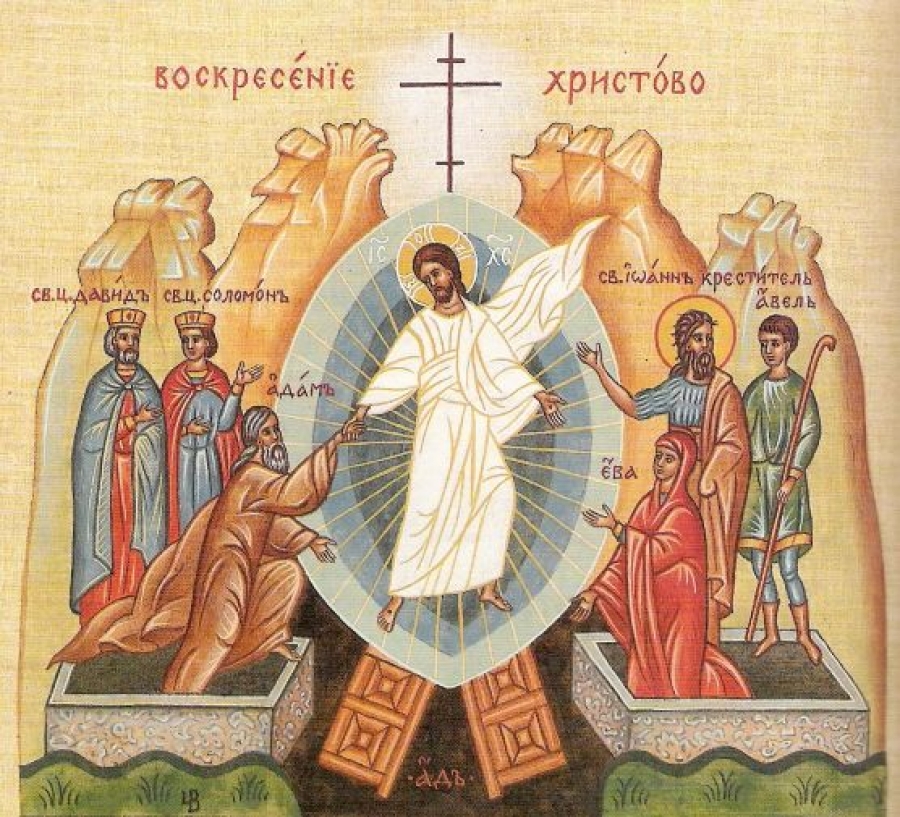
Happy Easter to All Orthodox Christians worldwide !
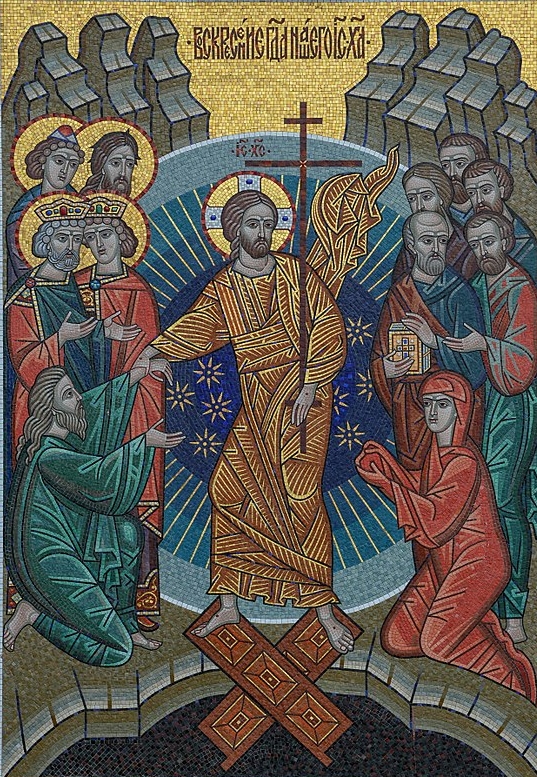
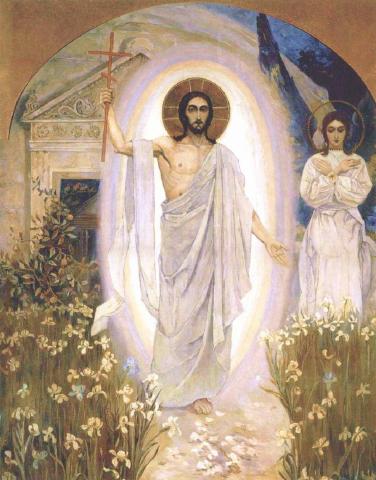
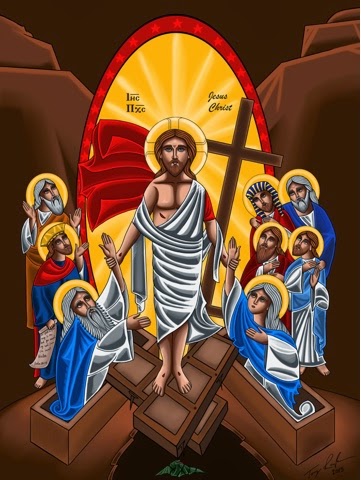
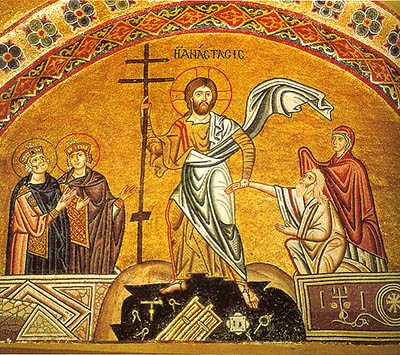
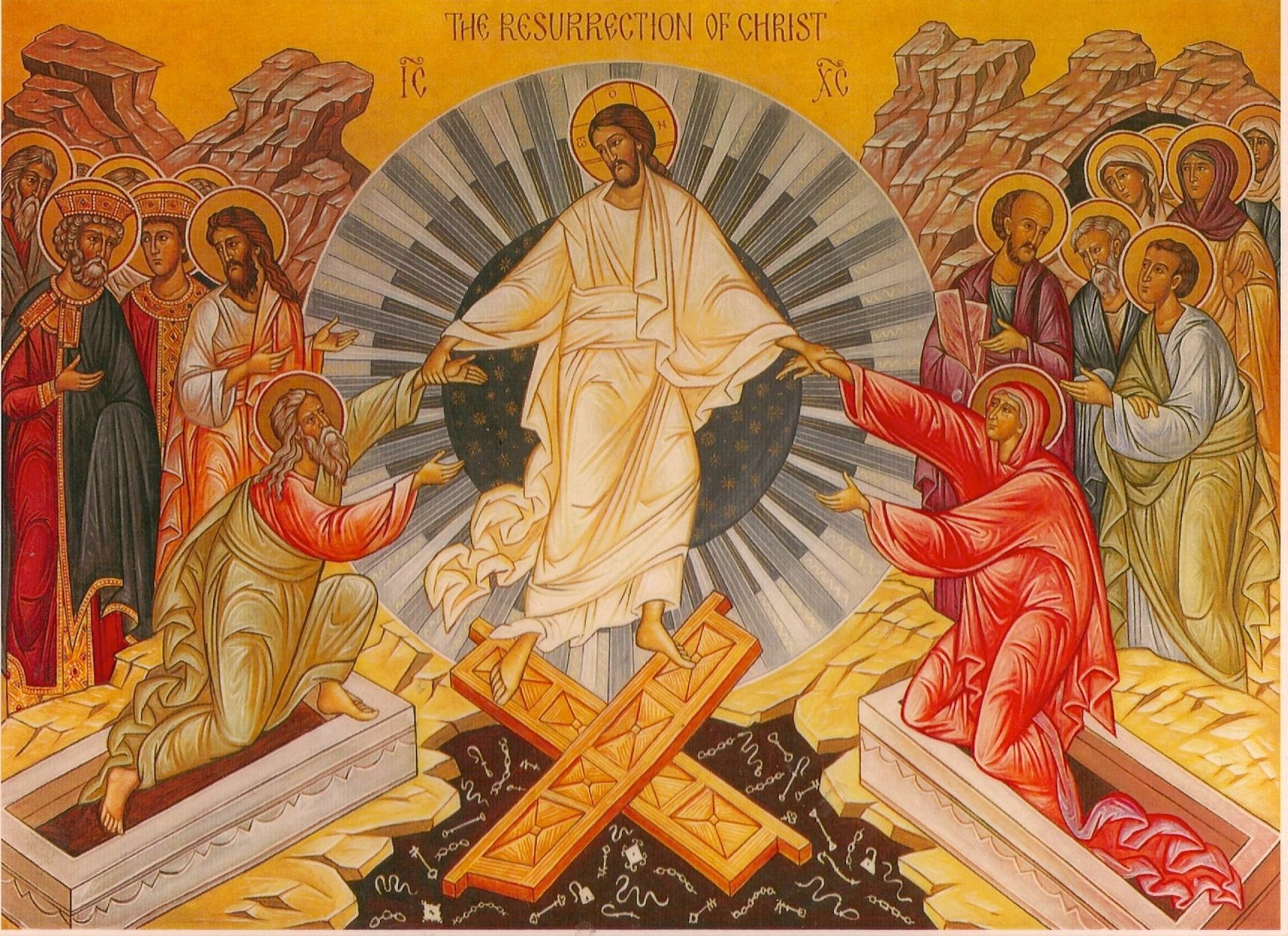
We are the the bright week – this is the week after The Feast of Feasts Resurrection of Christ. This year in 2020, we Orthodox Christians celebrated this feast on 19th, 20th and 21st of April. The celebrations of the Feast of Christians and the Paschal joy continues for the whole week, so I found some time to quickly blog to share the Joy of the Resurrection of the Savior Jesus Christ who has freed all People from the Fear of the Death by Manifestating Death has been overtaken by Life Eternally.
Earlier years, I've blogged shortly on the Christ is risen in many languages. But this time I decided to extend my previous blog by adding some more details on which are the Member Churches consisting the Christ body of Holy Orthodoxy, What is the Creed of Faith (Symbol of Faith) difference Between Orthodox Christians and Roman Catholics and why we're not catholics and do celebrate Easter on a different date from Roman Catholics. Finally I will post the Paschal Greeting translated to as many languages I could find.
In the Eastern Orthodox Christian world which is the True Church of Christ consists of 15 National Churches each traced back to the Holy Apostles of Christ, each of Churches is in eucharistic Communion with the other.
Canonical Orthodox Christ Churches as of year 2020 are the following:
1. Orthodox Church of Constantinople
2. Orthodox Church of Alexandria
3. Orthodox Church of Antiochia
4. Jerusalem Patriarchal Orthodox Church
5. Bulgarian Orthodox Church
6. Georgian Orthodox Church
7. Serbian Orthodox Church
8. Russian Orthodox Church
9. Romanian Orthodox Church
10. Orthodox Church of Cyprus (archibishopship)
11. Greek Orthodox Church
12. Albanian Orthodox Church
13. Polish Orthodox Church
14. Orthodox Church of Chech Lands and Slovakia
15. American Orthodox Church
Historically Christ Church was one before the Great Schism that was perhaps the greatest tragedy of mankind after Christ's Crucifix it occured in 1054 A.D. About this saddening events, the manuscripts and contemporary saints says with this terrible event, the whole world shaked its basis. The result of the Bulla brought by Pope's messangers in Hagia Sophia Cathedral in Constantinople in the Holy Alter of the Church putting in document of official schism and the Church of the east condeming the Western Church Cuhrch action headed by the pope due to the false Creed of faith inclusion legallized by the pope with the so called 'Filioque' word formula that changed the original agreement of Church fathers decisions on the First Ecumenical Council of Constantinople in 381 A.D. (which by the way puts Anathemas on anyone who dares to change the Creed of Faith as well change by the Popes in the well known ancient Baptism Formulas like oilment (receving the sign of the holy spirit during baptism).
The historical number of Orthodox Churche dioceses were much more numerous but with the time and the hardships this are the only ones that left as official Churches, many dioceses were destroyed by the Muslims Conquests and Roman Catholics orders like the Jesuits whose fight against orthodoxy has been severe in their attempt to make the whole world to turn to the pope, this is very well known by the many remains of Uniates around Europe, especially in nowadays Ukraine. There is a lot of nations like Chechz and Hungarians whose for many centuries confessed orthodoxy but due to the economic relations with the West and the converion of their rulers (princes / Kings) etc. to Roman Catholicism has gradually converted their Eastern Churches to Roman Catholics.
The origional Nicean Creed (Nicea-Constantinople) creed of faith reads as this:
Nicean Creed of Faith ( Agreed on 381 Anno Dommini in Emperor Constantine City of Byzantine Empire Constantinople)
We believe in one God, the Father Almighty, Maker of heaven and earth, and of all things visible and invisible.
And in one Lord Jesus Christ, the only-begotten Son of God, begotten of the Father before all worlds (æons), Light of Light, very God of very God, begotten, not made, consubstantial with the Father;
by whom all things were made;
who for us men, and for our salvation, came down from heaven, and was incarnate by the Holy Ghost and of the Virgin Mary, and was made man;
he was crucified for us under Pontius Pilate, and suffered, and was buried, and the third day he rose again, according to the Scriptures, and ascended into heaven, and sitteth on the right hand of the Father;
from thence he shall come again, with glory, to judge the quick and the dead. ;
whose kingdom shall have no end.
* And in the Holy Ghost, the Lord and Giver of life, who proceedeth from the Father, who with the Father and the Son together is worshiped and glorified, who spake by the prophets.
In one Holy Catholic and apostolic Church; we acknowledge one baptism for the remission of sins; we look for the resurrection of the dead, and the life of the world to come. Amen.
The Western Church head Bishop the Pope and local priests due to some historical regions of Spain and other parts of Western Europe's aim to fight heresies included the word Latin word Filioque in above translated text (Word which is translated as "And from the Son") in above starred line 'And in te Holy Ghost, The Lord Giver of Life who proceedeth from the Father' become 'And in the Holy Ghost, The Lord Giver of Life who proceedeth from the Father (Filioque) = and from the Son.' this was acceptable for the Eastern Churches until the moment when this Confession of Faith has been legalized for the Whole Western Church with a decree so called pope 'Bulla' with which it become the official confession of faith for the whole Catholic Church. The Eastern Church of course was following the accepted Canon rules from the first Ecumenical Council in 381 A.D. and rejected to accept the definition of the Pope at first in the Face of Saint Patriarch Photios I of Constantinople (year 810 – 893) and become official in 1054 by the rule of Pope Leo whose legates tried to claim Headship of the Pope over the whole Church and questioned the title of the Constantinople Ecumenical Patriarch Michael I Cerularius.
Along with the chages of the Creed of Faith the West, the years during centuries VII and IX centuries has already put a lot of differences in the East and West Church along doctrinal, theological, linguistic, political, and geographical lines so the split was a reflection of all this. The Latin Church was much more power hungry and more progressive for its time and authoritarian, trying to combine the Worldly power with the Spiritual one given by the line of Apostoles from Christ Ceasaris-Papism, where the Eastern Church was governed in the ancient model of the Worldly power in face of Eastern Roman empire Emperor and the Patriarch who was a governor of the Spiritual power. The schism was worsened also by the many Latins raids in the Eastern Empire Christian brothers and the sacking of Constantinople in 8-13 April year 1204. Of course both Wester and Eastern Roman Empire had an appetite for a conquest over the other and often this has lead the secular rulers on both sides to try to manipulate activities of the spiritual leaders of both to work for their interests, but the schism would never occur if the spiritual establishment of the Church which are the Holy Canons (decision of the Ecumenical Councils) were not breached by the Western Church.
One of this breaches of the Ancient canons is the Celebration of Eastern Pascha which says the Christian Pascha should never coincide with Jewish Pascha. However in the Western Church this rule was breached and nowadays The Eastern (The Day of the Resurrection of Christ) in the Roman Catholic Church (Western Church) coincides most of the years with Jewish Pascha (both Roman Catholics and the executors of Christ who never accepted him the Jews celebrate together … a sad fact).
Nowadays most of the Ancient Churches of the East together with the Eastern Orthodox Churches, who are confessing the Faith of Christ such as it was handed by the Saint Fathers has a very specific ancient way of confession of faith similar to the Creed of Faith which was a very common short ancient way to confess the faith when two Christians met it is perhaps originating from the times of the Heresies in the 1st century right after the Christ Crucifix, when the pupil of Christ used it to confirm the Glorious and unexplainable Miracle of the Resurrection of the Lord Jesus Christ from the Death in Real Body in the 3rd day from the Grave in the Cave where his body was buried.
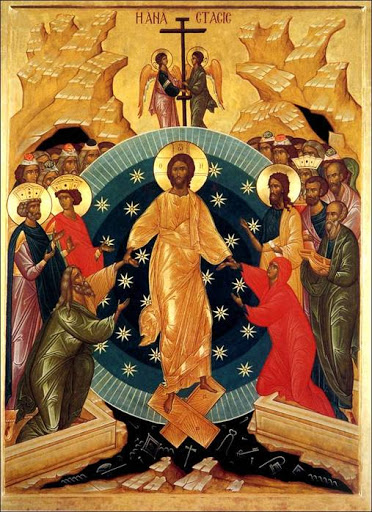
The Greeting Formula is the well known in the Eastern Orthodox Churches such as in Bulgaria / Greece / Russia / Serbia etc. Christ is Risen.
On every easter Almost everyone in the Orthodox Christian Countires greats everyone else both in homes on the street at work or anywhere relatives friends and even unfamiliar people who has to do business deeds with the immersely joyful greeting.
ХРИСТОС ВОСКРЕСЕ / CHRIST IS RISEN !!!!! !!!
Then the greeted Person answers back
ВОЙСТИНУ ВОСКРЕСЕ / TRULY HE IS RISEN (INDEED HE IS RISEN) !!!!!!!!
In the Orthodox Churches, believers do greet themselves with this heartful joyful greeting for the whole 40 days after the Feast of Resurrection of Christ.
In Russia, Ukrain, Belarus and the surrounding Slavonic lands there is this tradition that the greeting is repeated 3 times as an interaction between person A and person B, for example.
Person A (3 times) greets:
ХРИСТОС ВОСКРЕСЕ = CHRIST IS RISEN !!!
Person B (3 times) answers:
ВОЙСТИНУ ВОСКРЕСЕ = TRULY HE IS RISEN !!!
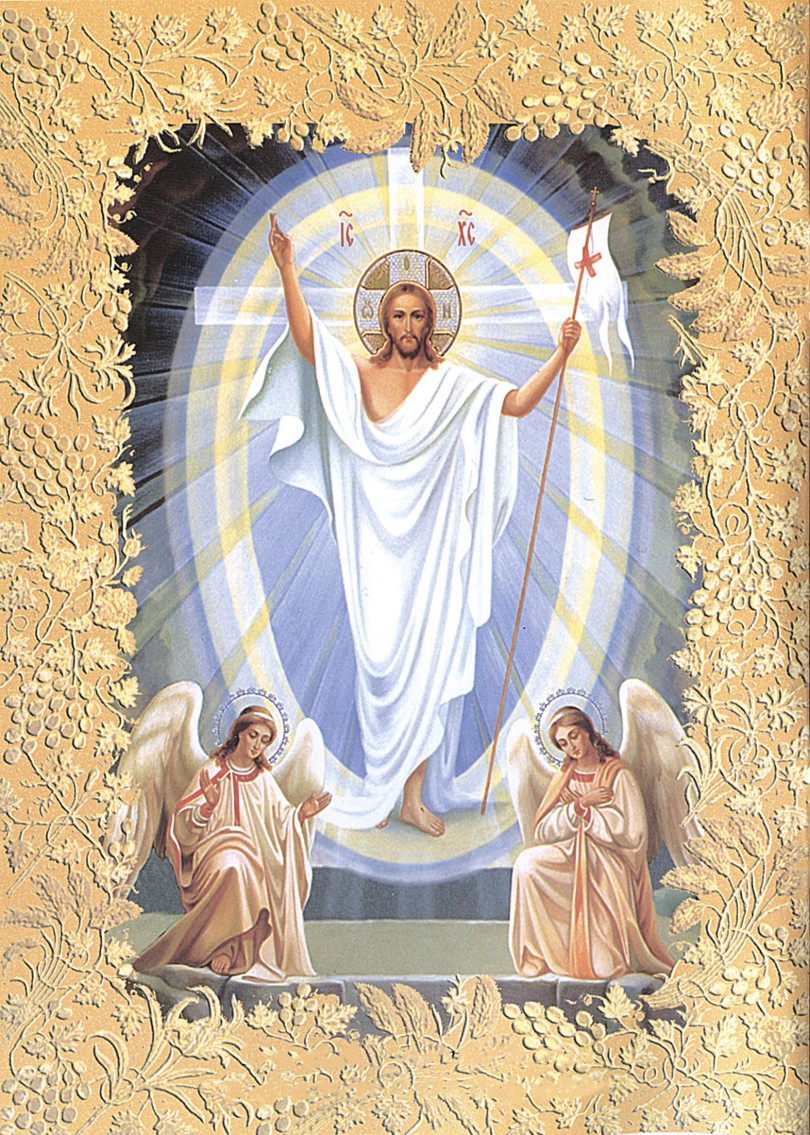
Below is a good list with Paschal Resurrection Greeting in multiple languages, for those who has curious polyglot minds who want to learn few words in different languages.
Indo-European languages
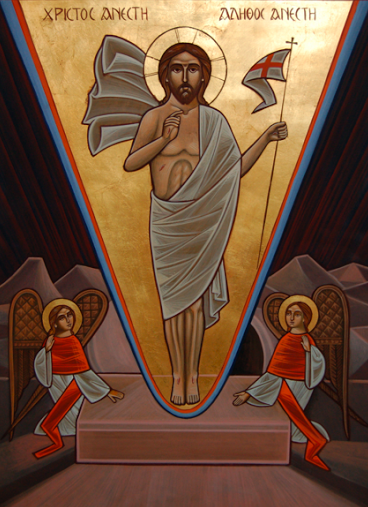
Greek: Χριστὸς ἀνέστη! Ἀληθῶς ἀνέστη! (Khristós anésti! Alithós anésti!)
Slavic languages
Church Slavonic: Хрїсто́съ воскре́се! Вои́стинꙋ воскре́се! (Xristósŭ voskrése! Voístinu voskrése!)
Belarusian: Хрыстос уваскрос! Сапраўды ўваскрос! (Chrystos uvaskros! Sapraŭdy ŭvaskros!)
Bulgarian: Христос воскресе! Воистину воскресе! (Khristos voskrese! Voistinu voskrese!), as if in Church Slavonic; Христос възкресе! Наистина възкресе! (Khristos vâzkrese! Naistina vâzkrese!) in Modern Bulgarian
Croatian: Krist uskrsnu! Uistinu uskrsnu!
: Kristus vstal z mrtvých! Vpravdě vstal z mrtvých!
Macedonian: Христос воскресе! Навистина воскресе! (Hristos voskrese! Navistina voskrese!), traditional; or Христос воскресна! Навистина воскресна! (Hristos voskresna! Navistina voskresna!)
Polish: Chrystus zmartwychwstał! Prawdziwie zmartwychwstał!
Russian: Христос воскрес(-е)! Воистину воскрес(-е)! (Khristos voskres(-е)! Voistinu voskres(-е)!) (the version with -e is in Church Slavonic, one without it is in modern Russian; both are widely used)
Rusyn: Хрістос воскрес! Воістину воскрес! (Hristos voskres! Voistynu voskres!)
Serbian: Христос васкрсе! Ваистину васкрсе! (Hristos vaskrse! Vaistinu vaskrse!) or Христос воскресе! Ваистину воскресе! (Hristos voskrese! Vaistinu voskrese!)
Slovak: Kristus vstal z mŕtvych! Skutočne vstal (z mŕtvych)! (though the Church Slavonic version is more often used)
Slovene: Kristus je vstal! Zares je vstal!
Ukrainian: Христос воскрес! Воістину воскрес! (Khrystos voskres! Voistynu voskres!)
Tosk Albanian: Krishti u ngjall! Vërtet u ngjall!
Armenian
Western Armenian: Քրիստոս յարեա՜ւ ի մեռելոց: Օրհնեա՜լ է Յարութիւնն Քրիստոսի: (Krisdos haryav i merelotz! Orhnyal e Haroutyunen Krisdosi!)
eastern dialect, Քրիստոս հարյա՜վ ի մեռելոց: Օրհնյա՜լ է Հարությունը Քրիստոսի: (Khristos haryav i merelotz! Orhnyal e Harouthyoune Khristosi!); literally "Christ is risen! Blessed is the resurrection of Christ!")
Germanic languages
Anglic languages
Scots: Christ has ryssyn! Hech aye, he his ain sel!
English: Christ is risen! He is risen indeed! Or Christ is risen! Truly, he is risen!
Old English: Crist is ārisen! Hē is sōþlīċe ārisen!
Middle English: Crist is arisen! Arisen he sothe!
Danish: Kristus er opstanden! Sandelig Han er Opstanden!
West Frisian: Kristus is opstien! Wis is er opstien!
German: Christus ist auferstanden! Er ist wahrhaft auferstanden! or Der Herr ist auferstanden! Er ist wahrhaftig auferstanden!
Icelandic: Kristur er upprisinn! Hann er sannarlega upprisinn!
Faroese: Kristus er upprisin! Hann er sanniliga upprisin!
Low Franconian languages
Dutch: Christus is opgestaan! Hij is waarlijk opgestaan! (Netherlands) or Christus is verrezen! Hij is waarlijk verrezen! (Belgium)
Afrikaans: Christus het opgestaan! Hy het waarlik opgestaan!
Norwegian
Bokmål: Kristus er oppstanden! Han er sannelig oppstanden!
Nynorsk: Kristus er oppstaden! Han er sanneleg oppstaden!
Swedish: Kristus är uppstånden! Han är sannerligen uppstånden!
Italic languages
Latin: Christus resurrexit! Resurrexit vere!
Romance languages
Aromanian: Hristolu anyie! Di alihea anyie!
Catalan: Crist ha ressuscitat! Veritablement ha ressuscitat!
French: Le Christ est ressuscité ! En vérité il est ressuscité! Or Le Christ est ressuscité ! Vraiment il est ressuscité !
Galician: Cristo resucitou! De verdade resucitou!
Italian: Cristo è risorto! È veramente risorto!
Portuguese: Cristo ressuscitou! Em verdade ressuscitou! or Cristo ressuscitou! Ressuscitou verdadeiramente!
Arpitan: Lo Crist es ressuscitat! En veritat es ressuscitat!
Romanian: Hristos a înviat! Adevărat a înviat!
Romansh: Cristo es rinaschieu! In varded, el es rinaschieu!
Sardinian: Cristu est resuscitadu! Aberu est resuscitadu!
Sicilian: Cristu arrivisciutu esti! Pibbiru arrivisciutu esti!
Spanish: ¡Cristo resucitó! ¡En verdad resucitó!
Walloon: Li Crist a raviké! Il a raviké podbon!
Baltic languages
Latvian: Kristus (ir) augšāmcēlies! Patiesi (viņš ir) augšāmcēlies!
Lithuanian: Kristus prisikėlė! Tikrai prisikėlė!
Celtic languages
Goidelic languages
Old Irish: Asréracht Críst! Asréracht Hé-som co dearb!
Irish: Tá Críost éirithe! Go deimhin, tá sé éirithe!
Manx: Taw Creest Ereen! Taw Shay Ereen Guhdyne!
Scottish Gaelic: Tha Crìosd air èiridh! Gu dearbh, tha e air èiridh!
Brythonic languages
Breton:Dassoret eo Krist! E wirionez dassoret eo!
Cornish: Thew Creest dassorez! En weer thewa dassorez!
Welsh: Atgyfododd Crist! Yn wir atgyfododd!
Indo-Iranian languages
Ossetian:Чырысти райгас! Æцæгæй райгас! Or бæлвырд райгас! (Ḱyrysti rajgas! Æcægæj rajgas or bælvyrd rajgas!)
Persian: مسیح برخاسته است! به راستی برخاسته است! (Masih barkhaste ast! Be rasti barkhaste ast!)
Hindi: येसु मसीह ज़िन्दा हो गया है! हाँ यक़ीनन, वोह ज़िन्दा हो गय یسوع مسیح زندہ ہو گیا ہے! ہاں یقیناً، وہ زندہ ہو گیا ہے! (Yesu Masīh zindā ho gayā hai! Hā̃ yaqīnan, voh zindā ho gayā hai!)
Marathi: Yeshu Khrist uthla ahe! Kharokhar uthla ahe!
Abkhazian: Kyrsa Dybzaheit! Itzzabyrgny Dybzaheit!
Afro-Asiatic languages
Semitic languages
Standard Arabic: المسيح قام! حقا قام! (al-Masīḥ qām! Ḥaqqan qām!) or المسيح قام! بالحقيقة قام! (al-Masīḥ qām! Bi-l-ḥaqīqati qām!)
Aramaic languages
Classical Syriac: ܡܫܝܚܐ ܩܡ! ܫܪܝܪܐܝܬ ܩܡ! (Mshiḥa qām! sharīrāīth qām! or Mshiḥo Qom! Shariroith Qom!)
Assyrian Neo-Aramaic: ܡܫܝܚܐ ܩܡܠܗ! ܒܗܩܘܬܐ ܩܡܠܗ! (Mshikha qimlih! bhāqota qimlih!)
Turoyo: ܡܫܝܚܐ ܩܝܡ! ܫܪܥܪܐܝܬ ܩܝܡ! (Mshiḥo qāyem! Shariroith qāyem!)
East African languages
Tigrinya: Christos tensiou! Bahake tensiou!
Amharic: Kristos Tenestwal! Bergit Tenestwal!
Hebrew: המשיח קם! באמת קם! (Hameshiach qam! Be'emet qam!)
Maltese: Kristu qam! Huwa qam tassew! or Kristu qam mill-mewt! Huwa qam tassew!
Egyptian
Coptic: (Pi'Christos aftonf! Khen oumetmi aftonf!)
Judeo-Berber: Lmasih yahye-d ger lmeytin! Stidet yahye-d ger lmeytin!
Dravidian languages
Tamil: கிறிஸ்து உயிர்த்தெழுந்தார், மெய்யாகவே அவர் உயிர்த்தெழுந்தார்.
Malayalam: ക്രിസ്തു ഉയിര്ത്തെഴുന്നേറ്റു! തീര്ച്ചയായും ഉയിര്ത്തെഴുന്നേറ്റു! (Christu uyirthezhunnettu! Theerchayayum uyirthezhunnettu!)
Eskimo–Aleut languages
Aleut: Kristusaaq Aglagikuk! Angangulakan Aglagikuk!
Pacific Gulf Yupik: Kristusaq ungwektaq! Pichinuq ungwektaq!
Central Yupik: Kristuussaaq unguirtuq! Ilumun unguirtuq!
Mayan languages
Tzotzil: Icha'kuxi Kajvaltik Kristo! Ta melel icha'kuxi!
Tzeltal: Cha'kuxaj Kajwaltik Kristo! Ta melel cha'kuxaj!
Austronesian languages
Malayo-Polynesian
Batak: Tuhan nunga hehe! Tutu do ibana hehe!
Carolinian: Lios a melau sefal! Meipung, a mahan sefal!
Cebuano: Nabanhaw Si Kristo! Nabanhaw gayud!
Waray: Hi Kristo nabanwaw! Matuod nga Hiya nabanhaw!
Chamorro: La'la'i i Kristo! Magahet na luma'la' i Kristo!
Fijian: Na Karisito tucake tale! Io sa tucake tale!
Filipino: Nabuhay muli Si Kristo! Nabuhay talaga!
Hawaiian: Ua ala hou ʻo Kristo! Ua ala ʻiʻo nō ʻo Ia!
Indonesian: Kristus telah bangkit! Dia benar-benar telah bangkit!
Kapampangan: Y Kristû sinûbli yáng mèbié! Sinûbli ya pin mèbié!
Malagasy: Nitsangana tamin'ny maty i Kristy! Nitsangana marina tokoa izy!
Cook Islands Māori: Kuo toetu’u ‘ae Eiki! ‘Io kuo toetu’u mo’oni!
Austroasiatic languages: Mon-Khmer
: Preah Christ mean preah choan rous leong vinh! trung mean preah choan rous leong vinh men!
Vietnamese
: Chúa Ki-tô đã sống lại! Ngài đã sống lại thật!
Thai
Thai: พระคริสต์เป็นขึ้นจากความตาย! or พระคริสต์ทรงกลับคืนพระชนม์ชีพ!
Basque
Basque: Cristo Berbiztua! Benetan Berbiztua!
Japanese
Japanese: ハリストス復活!実に復活! (Harisutosu fukkatsu! Jitsu ni fukkatsu!)
Korean
Korean 그리스도 부활하셨네! 참으로 부활하셨네! (Geuriseudo buhwalhasyeonne! Chameuro buhwalhasyeonne!)
Na-Dené languages
Athabaskan languages
Navajo: Christ daaztsą́ą́dę́ę́ʼ náádiidzáá! Tʼáá aaníí daaztsą́ą́dę́ę́ʼ náádiidzáá!
Tlingit: Xristos Kuxwoo-digoot! Xegaa-kux Kuxwoo-digoot!
Niger–Congo languages
: Kristo Ajukkide! Kweli Ajukkide!
Swahili: Kristo Amefufuka! Amefufuka kweli kweli!
Gikuyu: Kristo ni muriuku! Ni muriuku nema!
Quechuan languages
Quechua: Cristo causarimpunña! Ciertopuni causarimpunña!
Mongolic languages
Classical Mongolian: Есүс дахин амилсан, Тэр үнэхээр амилсан! (Yesus dahin amilsan, ter uneheer amilsan)
Turkic languages
Turkish: Mesih dirildi! Hakikaten dirildi!
Uyghur: ئەيسا تىرىلدى! ھەقىقەتىنلا تىرىلدى! (Əysa tirildi! Ⱨəⱪiⱪətinla tirildi!)
Azerbaijani: Məsih dirildi! Həqiqətən dirildi!
Chuvash: Христос чĕрĕлнĕ! Чăн чĕрĕлнĕ! (Hristos čĕrĕlnĕ! Čyn čĕrĕlnĕ!)
Khakas: Христос тірілді! Сыннаң тірілді! (Hristos tíríldí! Sınnañ tíríldí!)
Uzbek: Масих тирилди! Хақиқатдан тирилди! (Masih tirildi! Haqiqatdan tirildi!)
Sino-Tibetan languages
Chinese: 基督復活了!他確實復活了! (Jīdū fùhuó-le! Tā quèshí fùhuó-le!) or 耶穌復活了,真的他復活了! (Yēsū fùhuó-le, Zhēnde tā fùhuó-le!)
Uralic languages
Estonian: Kristus on üles tõusnud! Tõesti on üles tõusnud!
Finnish: Kristus nousi kuolleista! Totisesti nousi!
Hungarian: Krisztus feltámadt! Valóban feltámadt!
Karelian: Hristos nouzi kuollielois! Tovessah nouzi!
Constructed languages
International auxiliary languages
Esperanto: Kristo leviĝis! Vere Li leviĝis!
Ido: Kristo riviveskabas! Ya Il rivivesakabas!
Interlingua: Christo ha resurgite! Vermente ille ha resurgite! or Christo ha resurrecte! Vermente ille ha resurrecte!
Quenya: (Hristo Ortane! Anwave Ortanes!)
Klingon: Hu'ta' QISt! Hu'bejta'!